You just bought a new iPhone or Mac—do you need to decide today?
You open the box, set up Face ID or Touch ID, and a prompt shows up asking about AppleCare+. It feels like a “decide now” moment, but most people don’t need to commit in that first hour. The practical question is your deadline: you typically have a limited window after purchase to add AppleCare+ (often 60 days, depending on device and country), and you may need to show the device is in good shape.
The trade-off is simple: wait too long and you lose the option; buy too fast and you might pay for coverage you already have through a credit card, carrier, or home policy. Before you say yes or no, you need to know what protection you already get by default.
What you already have: Apple’s standard warranty vs. the protection you think you bought
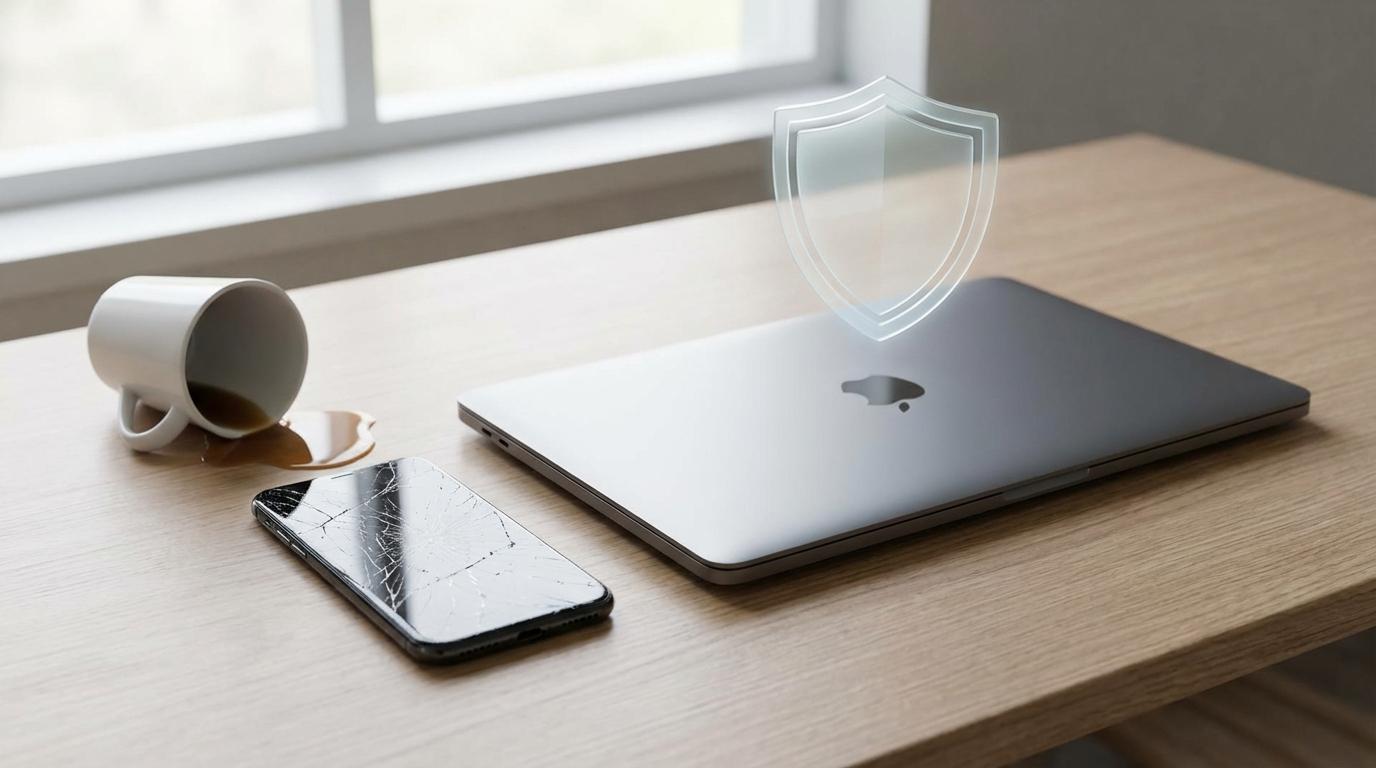
That default protection usually means Apple’s standard limited warranty, not “accident coverage.” The warranty is mainly about defects—parts that fail under normal use, like a dead battery that’s unusually degraded or a keyboard that stops working. It does not cover the most common real-life problem: you drop it, crack the screen, spill coffee, or bend something in a bag.
This is where people get tripped up: “I’m covered” often really means “I can get support.” Apple will still help you either way, but without AppleCare+ you’re typically paying full repair prices for accidental damage. With AppleCare+, accidental damage is covered, but you still pay a service fee per incident, and coverage lasts for a defined period (or as long as you keep paying monthly, where available).
Before you compare prices, pick the one or two mishaps you’re actually likely to cause.
Picture your most likely mishap, not the worst-case scenario

Most people don’t buy AppleCare+ because they’re imagining a total disaster. They buy it because the device slips out of a pocket, the laptop gets pinched in a backpack, or a drink ends up too close to the keyboard. Start there: what’s your most likely “oops” in the next two years, given how you actually use the device?
If you’re already careful with phones but you hand your iPad to kids, your risk is a cracked screen, not a logic board failure. If your Mac lives on a desk, spills matter more than drops. If you commute, carry it daily, or work in tight spaces, accidental damage becomes less “rare” and more “eventually.”
The friction is that AppleCare+ doesn’t pay off evenly: it’s most valuable when your most likely mishap is expensive to fix and not already covered elsewhere. With that one scenario in mind, the repair numbers will feel a lot less abstract.
The numbers that matter: typical repair bills without AppleCare+ vs. with service fees
Once you’ve named your most likely mishap, you can turn it into a simple comparison: “full repair price” versus “AppleCare+ service fee.” In real life, the big-ticket items are the parts you touch and break: an iPhone screen, iPhone back glass, a Mac display, or liquid damage that takes out multiple components.
Without AppleCare+, those repairs often land in the “painful but plausible” range—hundreds of dollars for a phone screen, and sometimes much more for back glass or a laptop display. With AppleCare+, you’re usually swapping that unpredictable bill for a per-incident fee that’s meaningfully lower, but not zero. If you crack a screen once, AppleCare+ can look like a clear win; if you never break it, it’s pure cost; if you break it twice, service fees start to stack.
The practical friction: you can’t do this math in the abstract. Pull up Apple’s repair estimate for your exact model, then compare it to the AppleCare+ price plus one or two service fees—before you check whether something else would pay that bill for you.
Before you pay twice: check your credit card, carrier, renters/homeowners, and workplace coverage
That “something else” is often real—and it’s how people end up paying twice. Start with the card you used: many credit cards add purchase protection (early accidental damage), extended warranty (adds time for defects), or cell phone protection (usually theft or damage, but only if you pay your monthly bill with that card). The friction is paperwork and limits: you may need receipts, a claim window, and the benefit can cap payouts or exclude drops for laptops.
If you bought through a carrier, check whether you already pay for a device protection plan. Those plans can overlap with AppleCare+ on repairs, but sometimes cover theft/loss when your AppleCare+ quote doesn’t. For Macs, renters/homeowners can help with theft, but deductibles often make a $400 repair pointless to claim.
Also ask about workplace or school coverage if the device is used for work travel. Once you list what actually pays for your most likely mishap, the AppleCare+ decision gets much cleaner.
Theft and loss, monthly vs. upfront, and what plan you’re actually choosing
Once you’ve checked overlap, the last “gotcha” is realizing you may be comparing different products: AppleCare+ for repairs versus AppleCare+ with Theft and Loss for iPhone replacement. Theft and Loss usually only applies to iPhone (not Mac), and it comes with eligibility rules you’ll feel in real life—like needing Find My turned on and being able to document what happened.
Then decide how you want to pay. Upfront pricing can be cheaper overall, but it locks you into a fixed term. Monthly spreads the cost and can be easier to cancel, but it can cost more if you keep it for years. Either way, the trade-off is simple: theft/loss coverage matters most if you commute, travel, or regularly use your phone in public. If your main risk is drops at home, you may be paying for the wrong tier.
With that choice made, you can turn it into a quick buy/skip decision.
Your buy/skip decision in 60 seconds (and what to do if you’re still unsure)
With that choice made, you can decide fast by answering four questions. Is your most likely mishap accidental damage (drop/spill) or theft/loss? Do you have real overlapping coverage that would actually pay a claim (and would you file it)? Would one uncovered repair at Apple’s full price hurt enough to annoy you for months? If yes, AppleCare+ is usually worth it; if theft/loss is your real risk, choose that tier for iPhone.
If you’re still unsure, set a calendar reminder for day 45 after purchase. Before then, pull Apple’s repair estimate for your exact model, read your credit card benefit guide, and decide based on one scenario you’ll actually face.