How to Wirelessly Transfer Photos From Your Phone to Your PC
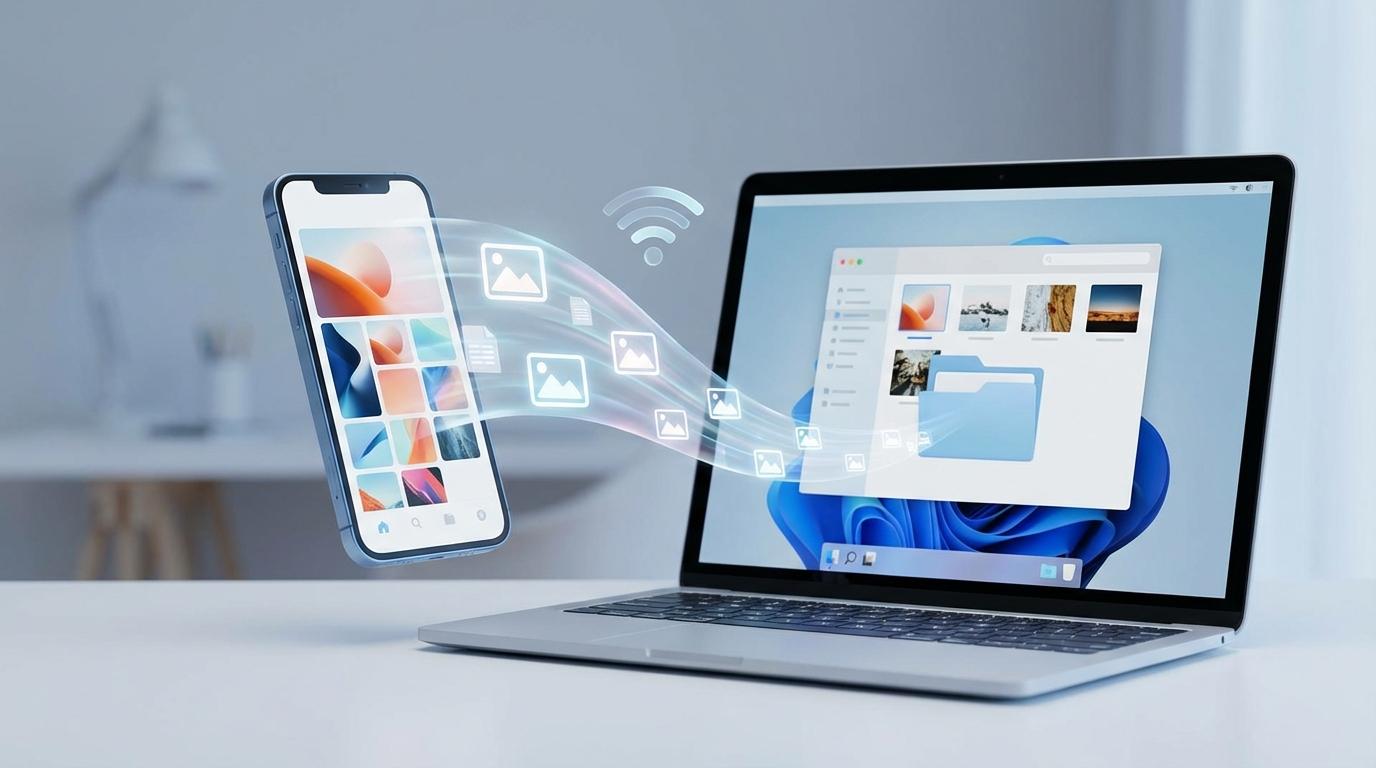
Learn the best ways to wirelessly transfer photos from phone to PC on Windows—Phone Link, iCloud, OneDrive, or local Wi‑Fi—without losing quality.
All articles under this category.
Learn the best ways to wirelessly transfer photos from phone to PC on Windows—Phone Link, iCloud, OneDrive, or local Wi‑Fi—without losing quality.
Change your default web browser on Windows, Mac, iPhone/iPad, and Android—fix links opening in the wrong app with quick steps and a 30-second test.
Set up Apple Watch Family Setup for kids without iPhones: choose a GPS + Cellular model, prep Apple IDs, activate with carrier, and enable location & SOS.
Choose a file backup strategy that runs on autopilot: pick key folders, set up an always-on desk drive, add offsite protection, and test restores.
Turn your gamepad into a computer mouse easily for PC gaming on a TV—set up Steam Input or a remapper, fix cursor feel, and avoid double inputs.
Get started on Bluesky Social in 10 minutes: choose the right handle, build a follow-worthy profile, pick feeds, and set smart moderation controls.
Set up Apple Eye Tracking on your iPhone or iPad for hands-free control. Learn where it’s hidden, calibrate, click, scroll, and fix drift fast.
Printer won’t print? Follow 10 fast troubleshooting tips to clear stuck queues, fix Wi‑Fi/USB issues, update drivers, and print again today in minutes.
Fix spotty internet fast with a 60-second check, the Wi‑Fi vs Ethernet test, and reset steps to pinpoint router, device, or ISP issues today.
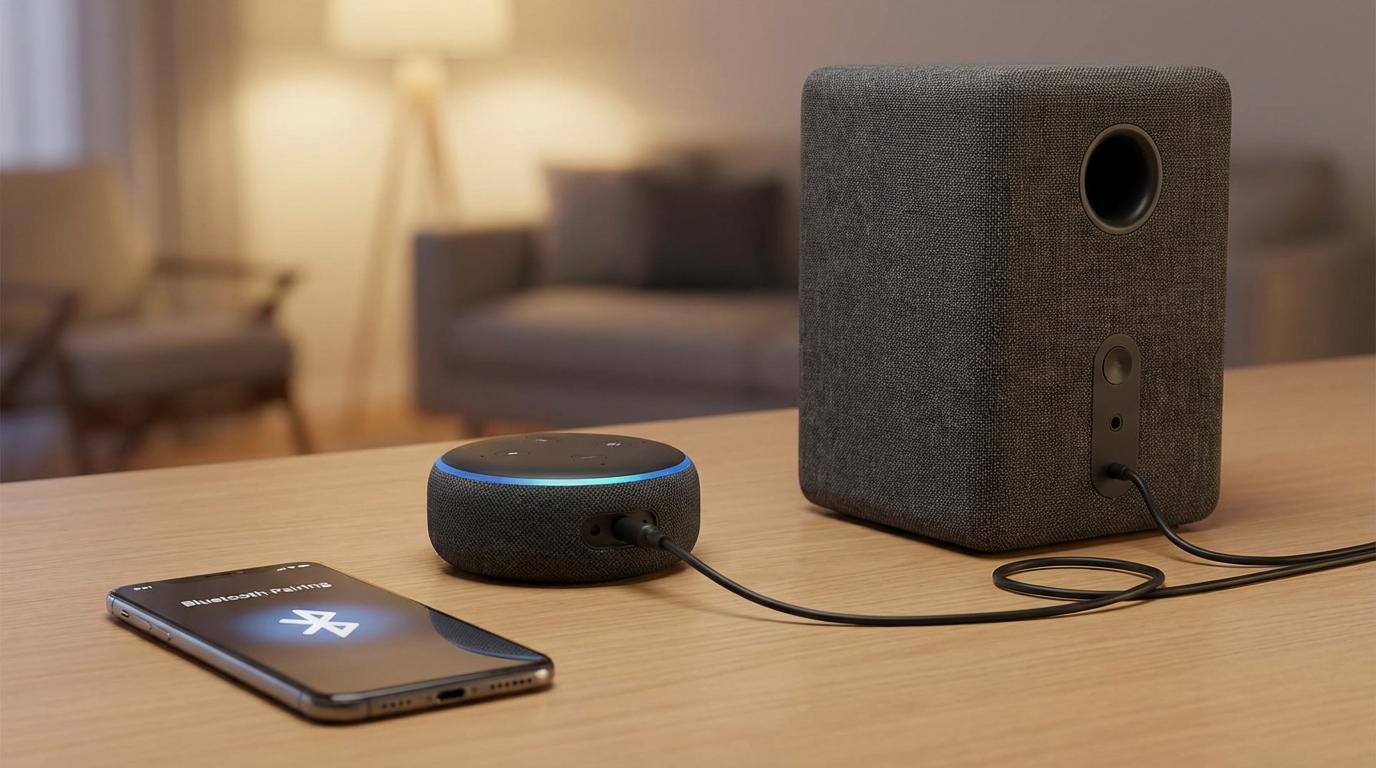
Connect your Amazon Echo to an external speaker in 5 minutes with Bluetooth or a 3.5mm cable—get louder, clearer sound and avoid delays every day.
Fix laptop keyboard not typing fast: save work, use a fallback keyboard, run a 60‑second pattern check, then apply safe software or hardware fixes.