You noticed “State of Mind” in Health—what you’re actually turning on
You open the Health app, tap Mental Wellbeing, and see “State of Mind.” It can look like a quiet, built-in mood tracker—easy to ignore until a bad week makes it feel tempting. Turning it on isn’t a test or a diagnosis. It’s a prompt to log how you feel in the moment (plus optional tags like what’s driving it), so Health can plot patterns over time.
The more often you log, the more useful the trend lines get, but the more it can feel like another obligation. The other trade-off is sensitivity. Even if the entries are simple, you’re still creating a record you might not want popping up on widgets, shared with family, or included in a clinician export by accident. That’s the real decision hiding behind the toggle.
The goal is to make it work for you without creating guilt or exposure, which starts with choosing when you’ll use it and what you’ll allow it to connect to.
First decision: do you want a daily habit or “only when it matters”?
“Choosing when you’ll use it” usually comes down to two modes: a small daily habit, or logging only when something feels off. If you already check your sleep or close your rings, a once-a-day mood log can fit naturally. The benefit is cleaner context—your “normal” gets recorded, so a rough stretch doesn’t look like your baseline.
“Only when it matters” is lower effort and can still be useful if your goal is tracking spikes: panic-y afternoons, post-meeting stress, or the day after poor sleep. The trade-off is interpretability. If you only log on bad days, the graph will mostly confirm you had bad days. That can feel validating, but it can also make you think things are worse or more constant than they are.
A practical rule: if you want trendlines, pick a simple cadence; if you want triggers, log around events. Then set it up so it’s easy to follow and hard to regret.
A one-minute setup that won’t create guilt later
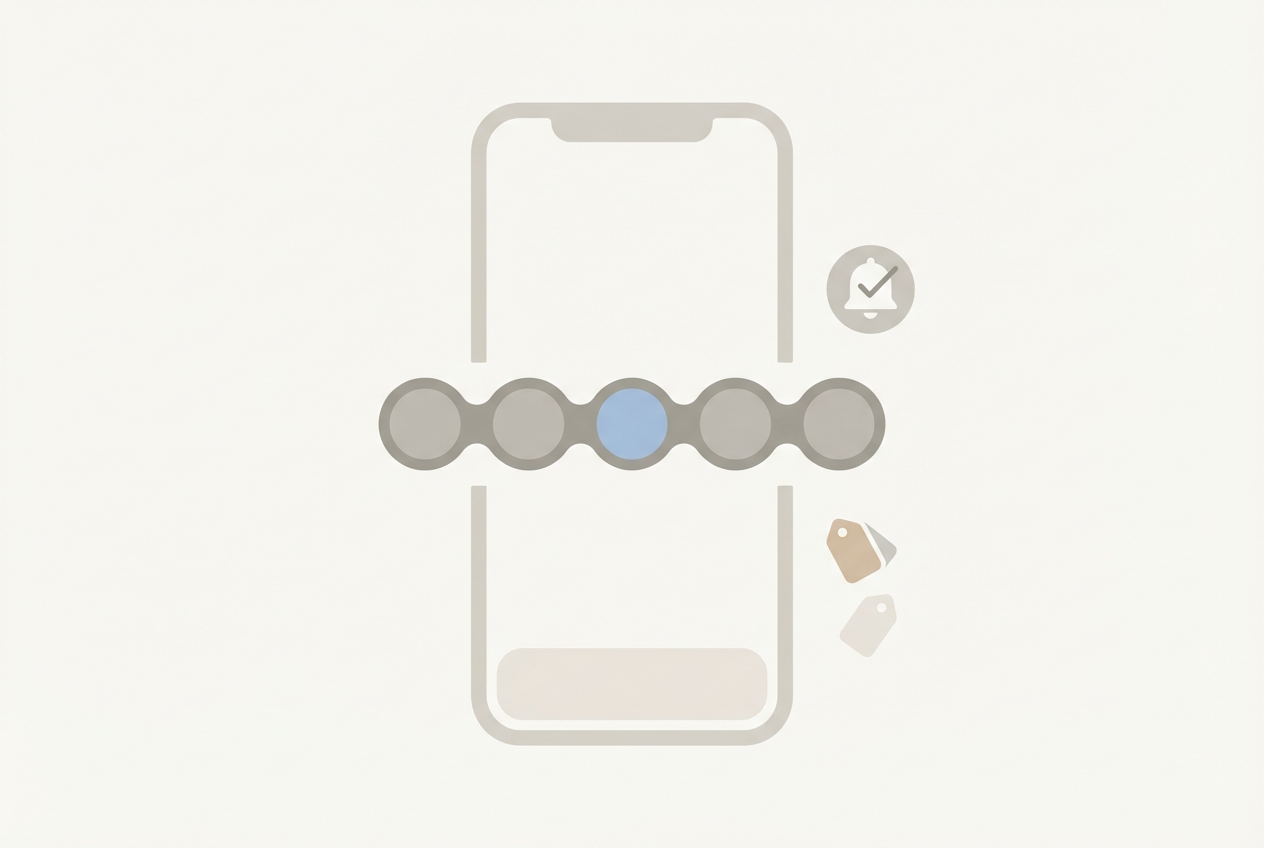
“Easy to follow and hard to regret” usually comes down to two tiny settings choices: where the prompt lives and what you commit to answering. If you want a daily habit, set one reminder at a time you already touch your phone (after brushing teeth, after your first coffee, right before you start Wind Down). If you want “only when it matters,” skip reminders and rely on logging right after a specific trigger (a meeting, a commute, a bad night).
Keep the check-in minimal. Pick the quick rating and stop there for the first week; add tags only when you’d genuinely want future-you to remember context. This avoids the common guilt trap: you miss a day, feel “behind,” then quit.
Finally, do a fast exposure check. Make sure you’re comfortable with how it might surface: notifications on a locked screen, a home screen widget, or an accidental share from Health’s sharing/export options. One minute now beats second-guessing later.
After a week of logs, what should you expect to learn (and what not to read into)
That “one minute now” usually pays off after about a week because you stop remembering individual entries and start seeing a shape. If you logged daily, you’ll get a rough baseline: what “fine,” “stressed,” or “low” looks like for you across ordinary days. If you logged only around triggers, you’ll get a map of spike moments: which meetings, commutes, late-night scrolling sessions, or bad-sleep mornings reliably show up next to a dip.
What you can expect to learn is correlation, not a cause. A tight cluster of low ratings after short sleep is actionable in a simple way: treat sleep as a lever and see if the next week changes. What you shouldn’t read into is precision. A tiny drop on a graph isn’t proof you’re “getting worse,” and a good day after a rough one doesn’t cancel anything out. Mood is noisy, and the scale is yours, not a lab instrument.
The practical friction here is over-logging context. If you add tags to every entry, you may create a diary you’d hesitate to share or even reread. Keep week two focused: one or two tags you actually plan to act on, then leave the rest blank.
When the graphs feel validating—or weirdly invasive
Week two is when you start tapping into the charts and thinking, “Okay, that tracks.” Seeing low ratings line up with short sleep, a specific commute, or back-to-back meetings can feel validating because it turns a vague sense of being “off” into something you can point to and test. If the pattern looks consistent, use it like a simple experiment: change one input (bedtime, caffeine cutoff, meeting stacking) and see if the next few days shift.
The same clarity can feel weirdly invasive when the graph matches a private moment too well. That’s usually a sign you logged more detail than you want to carry around, not that the feature is “too accurate.” A common friction: you open Health in public and realize your mood trend is now as glanceable as your steps.
If that happens, tighten the surface area. Keep future entries to the rating only, avoid tags that name people or places, and treat “Show Up in Highlights/Widgets” decisions as part of the feature—not an afterthought. Then you’re ready for the privacy reality check: where this data can travel when sharing and backups enter the picture.
Privacy reality check: where this sensitive data can go (and how to stop it)

Sharing and backups are where “private on my phone” can quietly turn into “copied to places I forgot.” Health data can be included in iCloud backups and sync across your Apple devices, which is convenient until you realize a mood log might also land on an iPad you leave on the couch. It can also move through Health Sharing (to a family member) or as an export/PDF you send to a clinician, where it’s suddenly out of Apple’s control and living in email threads, portals, or printouts.
The other path is apps. If you’ve ever connected a sleep app, mindfulness app, or journaling app to Health, it may be able to read or write Mental Wellbeing data if you allow it. That’s not automatically bad, but it’s the most common “I didn’t mean to share this” moment—especially when an app asks for broad Health access during setup.
Do a quick lock-down: Health → your profile → Apps, and remove anything you don’t fully trust. Check Sharing and turn it off if you’re unsure. Then reduce accidental exposure: remove Health widgets, and keep Health notifications off on the Lock Screen. If you ever want a clean slate, you can delete State of Mind entries inside Health—useful if you logged too much detail early on.
Keep it, share it, or ignore it: a decision you can revisit
Deleting early entries is a good reminder that this isn’t a one-way door. Most people end up in one of three lanes: keep it private for personal pattern-spotting, share a short slice with a clinician when you’re troubleshooting sleep/anxiety, or ignore it when it starts feeling like another “self-improvement” chore.
Keeping it private works best when you treat it like a light signal, not a diary: quick ratings, sparse tags, minimal surfaces (no widgets, no lock-screen prompts). Sharing works best when you time-box it—export two to four weeks that match the problem you’re trying to solve—because dumping months of mood data often creates more noise than insight. Ignoring it is also a valid call if you notice it changes how you judge your days. You can always turn prompts off, leave existing data, and come back later.