You’re 30 days from buying—what “better” actually means in real life
You’re probably not shopping because your current phone can’t run apps. You’re shopping because little things keep piling up: messages show up late, photos don’t land where you expect, and simple accessories feel like a gamble. That’s what “better” means in real life—less friction in the routines you repeat every day.
The trap is comparing specs like they’re the decision. Most phones are fast enough. The daily experience comes from defaults: how your texts behave with the people you actually message, what happens when you share a photo link, whether your watch and earbuds keep switching cleanly, and how often updates change something you rely on.
Over the next week, the goal is to pressure-test those routines before you get locked in.
The first week test: will messaging feel effortless or constantly slightly broken?
That pressure-test starts with the thing you’ll do within minutes of turning the phone on: messaging. The first week usually feels great until you hit the first mismatch with the people you actually text—group chats split, reactions show up oddly, or media arrives as a blurry preview.
If most of your close contacts are on iPhone, iMessage will feel “invisible” because it’s one system end to end: read receipts, full-quality media, easy group management, and fewer weird edge cases. If your circles are mixed (or you live in WhatsApp, Signal, Messenger, or Telegram), the OS matters less because the app is the system. In that case, the real test is basics: does the app restore chats cleanly, handle notifications reliably, and keep sending in the background when you’re on spotty Wi‑Fi?
The friction point to watch is fallback behavior. When a thread drops to SMS/MMS or a carrier’s RCS setup gets flaky, it’s not dramatic—it’s “slightly broken” every day. Figure out which messaging paths you depend on before you pick the phone.
When you share photos, what happens after you hit Send?
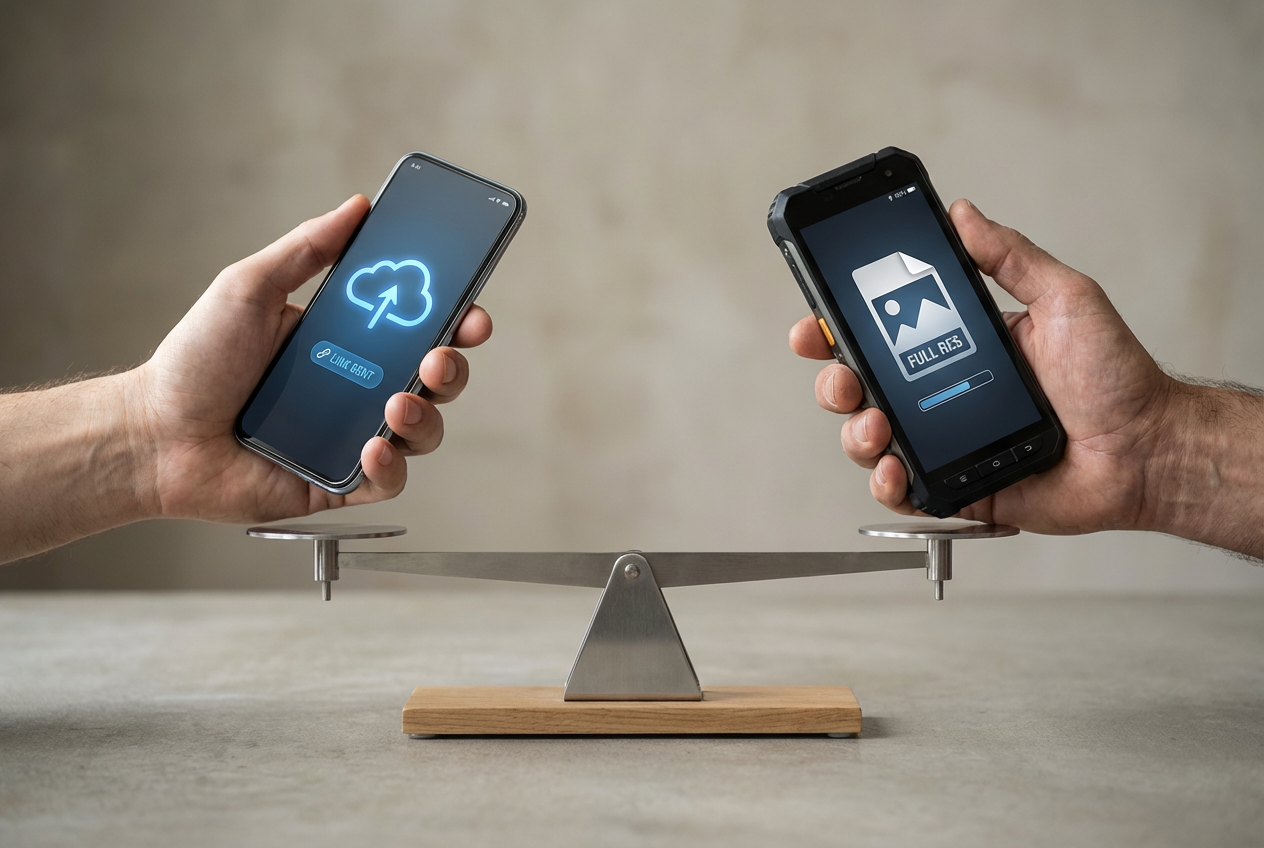
That same fallback problem shows up the moment you send photos. You tap Send, it looks fine on your screen, and then someone replies, “Why is it blurry?” or “It only came through as a link.” That’s not camera quality—it’s the path the photo takes.
If you mostly share with iPhone users, iMessage usually keeps full quality without extra steps. In mixed groups, photos often take a detour: MMS compression, RCS quirks, or an app deciding to send a cloud link instead of the file. The practical test is simple: send ten photos to the people you share with most—one at a time, in a group, and from weak Wi‑Fi. See what they actually receive.
The trade-off is convenience versus control. Links save bandwidth and look clean, but they can break when someone has poor signal, low storage, or strict privacy settings. Before you buy, decide whether “it just works” or “I can choose exactly how it sends” matters more—because accessories will lock that decision in faster than you expect.
Accessories and “stuff you already own”: the hidden lock-in moment
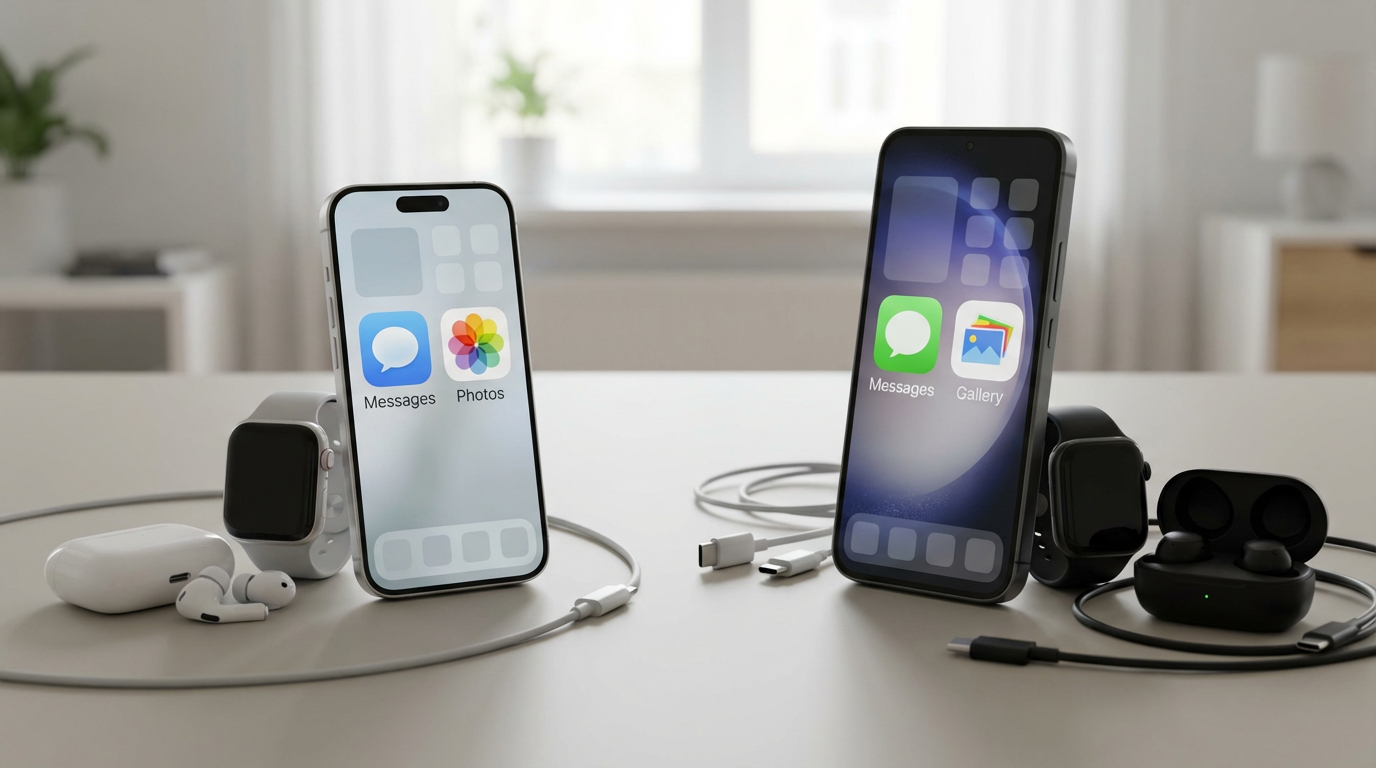
That lock-in usually shows up the first time you try to use what you already own: a watch, earbuds, a car mount, a charging cable, even a password manager you’ve set up over years. On iPhone, AirPods and Apple Watch tend to pair fast, switch cleanly, and share settings without much effort. On Android, the smoothest version of that experience usually comes when your phone, watch, and earbuds are from the same brand family (for example, Samsung with Galaxy wearables), not when everything is mixed.
The hidden cost isn’t buying new gear once—it’s the small incompatibilities that make you stop using gear you already like. A watch loses a key feature, earbuds don’t auto-switch the way you expect, or your car’s USB port charges slowly unless you swap cables. Even cases matter: a drawer full of Lightning cables doesn’t help if you move to USB‑C, and older docks may not fit new camera bumps.
Before you pick an OS, list the five accessories you use weekly and check what you’d lose, not just what you’d gain.
Updates, longevity, and resale—how long do you want to stop thinking about your phone?
That “what you’d lose” list usually comes back up a year later when the phone feels fine, but support starts to matter. Most people don’t notice updates until an app requires a newer OS, a security warning pops up, or a bugfix you need is “coming later.” The question isn’t whether updates exist. It’s whether you want a predictable runway or you’re okay doing a little homework each year.
iPhones tend to get longer, more consistent OS updates across models, which makes keeping a phone 4–6 years feel straightforward. On Android, it depends on the brand and model tier: some now promise long support, but cheaper models often get fewer major updates or slower rollouts. That trade-off is price versus certainty.
Resale follows the same pattern. iPhones often hold value better, which can shrink your “real” upgrade cost, but you pay more upfront. Decide whether you’d rather stop thinking about your phone for years—or pay less now and accept more planning later.
The small daily defaults that become big annoyances (or big relief)
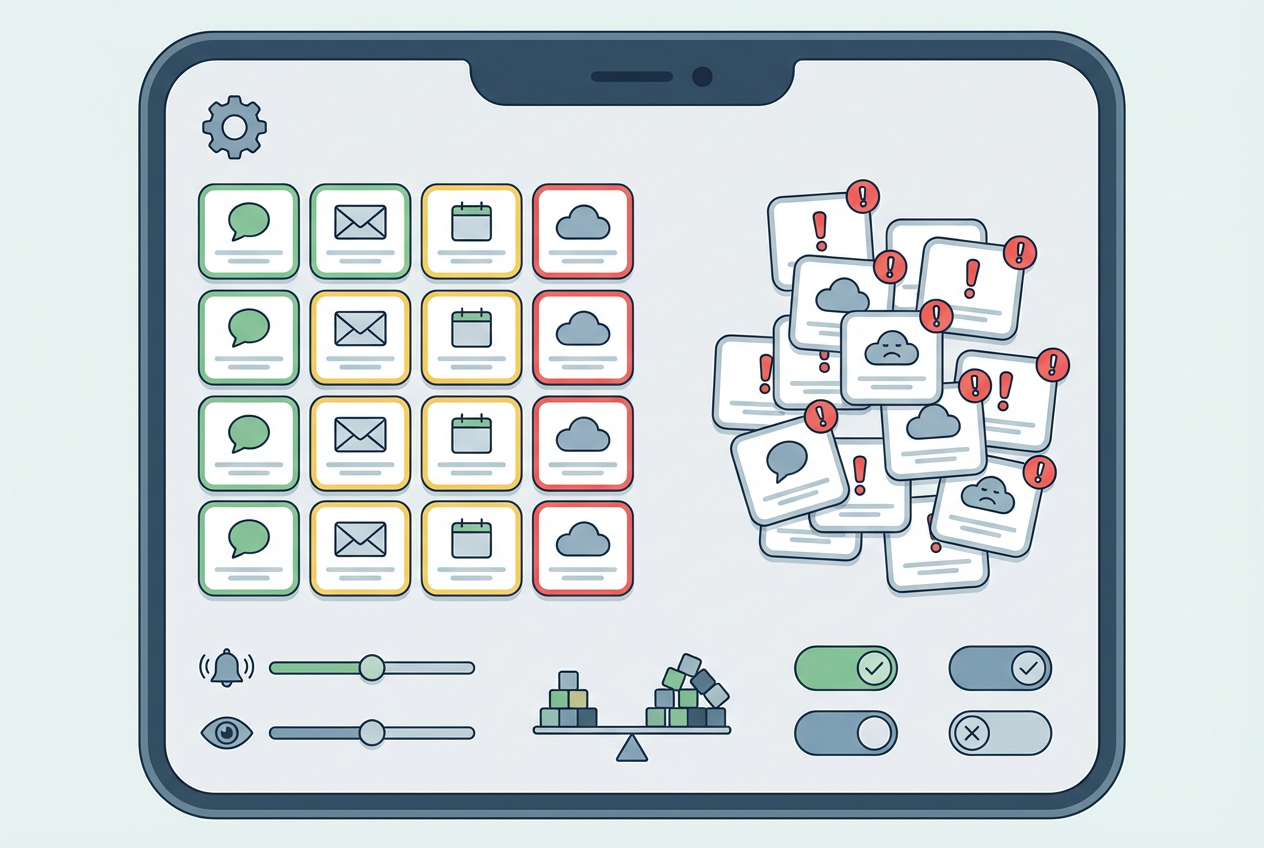
That “stop thinking about it” goal usually breaks on tiny defaults: how you unlock, how you pay, and what happens when something interrupts you. If you use Face ID-style unlock dozens of times a day, switching to a fingerprint (or the reverse) can feel like a minor annoyance—until you’re carrying groceries, wearing gloves, or trying to unlock in bright sun. Same with payments: Apple Pay and Google Pay both work well, but the friction is setup and consistency—does your bank support the features you want, and will your watch (if you use one) pay reliably?
Notifications are the other daily multiplier. If you live by “one tap, done,” iOS tends to feel more uniform across apps, while Android gives you more control over categories, priority, and how alerts behave. The trade-off is time: the more you customize, the better it gets, but you’ll spend a weekend tuning it.
Do a 24-hour “annoyance log” on your current phone—unlocking, payments, notifications, keyboard mistakes—then pick the OS that fixes the top three.
Narrow it down today: one choice, two backup options, and no second-guessing
Those top three annoyances are your filter, not a vibe check. If your fixes depend on iMessage staying consistent with the people you text most, you use an Apple Watch (or want one), and you plan to keep the phone 4–6 years, pick iPhone. If your fixes are about notification control, file handling, or you want better value without guessing, pick a “long-support” Android from a brand you’re willing to stick with.
Then choose one phone, plus two backups: your “same OS, cheaper” option and your “same OS, smaller/larger” option. If either backup makes you uneasy about messaging, photos, or accessories, it’s not a real backup—swap it now, and stop shopping.