You don’t need “the best” app—you need one you’ll still open next month
You download a budget app, connect (or don’t connect) your accounts, and feel organized for about three days. Then a category feels “off,” a notification nags at the wrong time, or logging a coffee takes too many taps—and the app stops getting opened. That drop-off isn’t about willpower. It’s about friction: anything that adds steps, uncertainty, or cleanup turns tracking into a chore.
So “best” doesn’t mean the most features. It means the one that fits how you actually spend and check your money on an average week. The fastest way to choose is to start from what would make you quit in week one, because that’s the requirement that matters.
What would make you quit in week one? (That’s your real requirement)
Week one usually goes like this: you log a few purchases, glance at a chart, and then hit a moment where the app asks for more effort than you planned to give. Maybe it wants you to recategorize ten transactions, or it keeps guessing “Dining” when it was groceries, or it pushes daily alerts that feel like scolding. That’s the quit point, and it’s more useful than any feature list.
Write down the top two reasons you’ve abandoned apps before, then treat them like hard constraints. If “too much cleanup” is one, you need faster entry, fewer categories, or rules that stick. If “I forget to log” is one, you need gentle reminders and a home screen that makes progress obvious in five seconds. If “it makes me anxious” is one, you need simpler targets, not more detail.
The apps that show the most insight often demand the most maintenance. The next choice is where that effort comes from—your hands, or your bank connection.
Bank sync or manual tracking: which one matches how you spend day to day?
That effort usually shows up the first time your spending doesn’t match what the app thinks happened. With bank sync, you buy groceries at a big store, and the app pulls in a transaction that might land a day later, labeled with a merchant name you barely recognize. With manual tracking, you enter “$42 groceries” right away, but you have to do it every time—tired, rushed, or standing in line.
Bank sync tends to work best if most of your spending runs through a few cards, you don’t pay many people in cash, and you’re okay fixing occasional mistakes. It’s a bad fit if delays will stress you out (“Why is my balance wrong?”) or if you use a lot of split transactions (one Target run that was groceries, toiletries, and a gift). That cleanup is real, and it’s where people quit.
Manual tracking fits if you want a daily habit and quick certainty. The trade-off is missed entries. If you routinely forget small purchases, pick an app that makes adding a transaction a two-tap action, or lean back toward sync.
If connecting your accounts feels risky, what’s “safe enough” in practice?
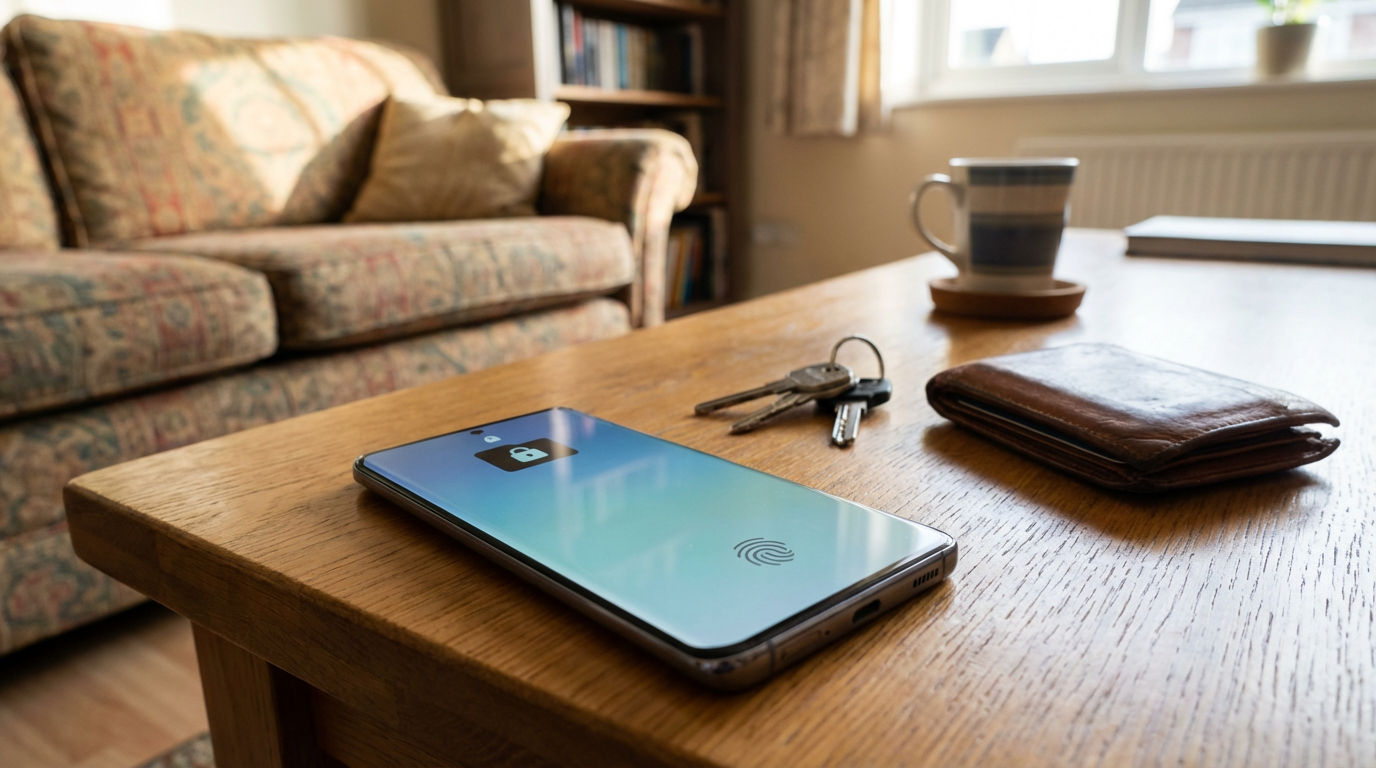
That “lean back toward sync” moment is usually where people hesitate: giving a budget app access to your bank feels like handing over the keys. In practice, “safe enough” means you can limit what the app can do, and you can verify what it’s actually doing. Look for read-only access (it should pull balances and transactions, not move money), and a clear list of connected institutions so you can remove one without deleting your whole setup.
Also pay attention to what the app stores. If it keeps your credentials, that’s a higher-risk pattern than using a trusted connection flow where you log in with your bank and the app never sees your password. On Android, use a screen lock and turn on app-level PIN or biometrics if offered, because the most common real-world risk is someone picking up an unlocked phone, not a movie-style “hack.”
The strictest privacy choice is manual tracking, but the strictest choice also raises your chance of quitting. If you’re on the fence, start by syncing one account for two weeks, then expand only if it feels stable.
Solo budget or shared spending—how messy is your real life?
That “start by syncing one account” test gets more complicated the moment your spending isn’t only yours. If you split rent, trade grocery runs, or one person pays the phone bill while the other Venmos back, a solo budget will look “wrong” unless you do extra work. You’ll see a $200 grocery charge and feel over budget, even if $100 is coming back tomorrow.
Shared features help when you truly share categories (household, utilities, subscriptions) and you both will check the app. The friction is real: you’ll need rules for what counts as “shared,” how to handle reimbursements, and what happens when one person forgets to log or the sync lags. If either of you hates money talk, pick the simplest shared setup possible—often just a shared “House” bucket—and keep everything else solo.
This is where app choice stops being about features and starts being about setup time: you want a clean structure you can build fast.
Pick from three “good fits” and set it up in under an hour

That “build fast” goal is where most people overthink it and end up stuck comparing screenshots. Instead, pick a “good fit” based on your hard constraints: manual + solo if you want certainty and maximum privacy, bank sync + solo if you mostly pay by card and can tolerate occasional cleanup, or shared essentials if you split real bills and need one place to see the household basics.
Then set it up like you’re trying to finish, not perfect. Keep categories to 8–12 (Rent, Groceries, Dining, Gas/Transit, Bills, Subscriptions, Fun, Other). Set one monthly target per category. If you sync, connect only your primary checking and one main card today. If you track manually, add a home screen shortcut and turn on one reminder that won’t annoy you (often evenings).
The friction to expect: the first “weird” transaction or split purchase. Decide now: either you’ll fix it once a day for two minutes, or you’ll simplify the category and move on.
The first-week check: signs it’s working (and when to switch)
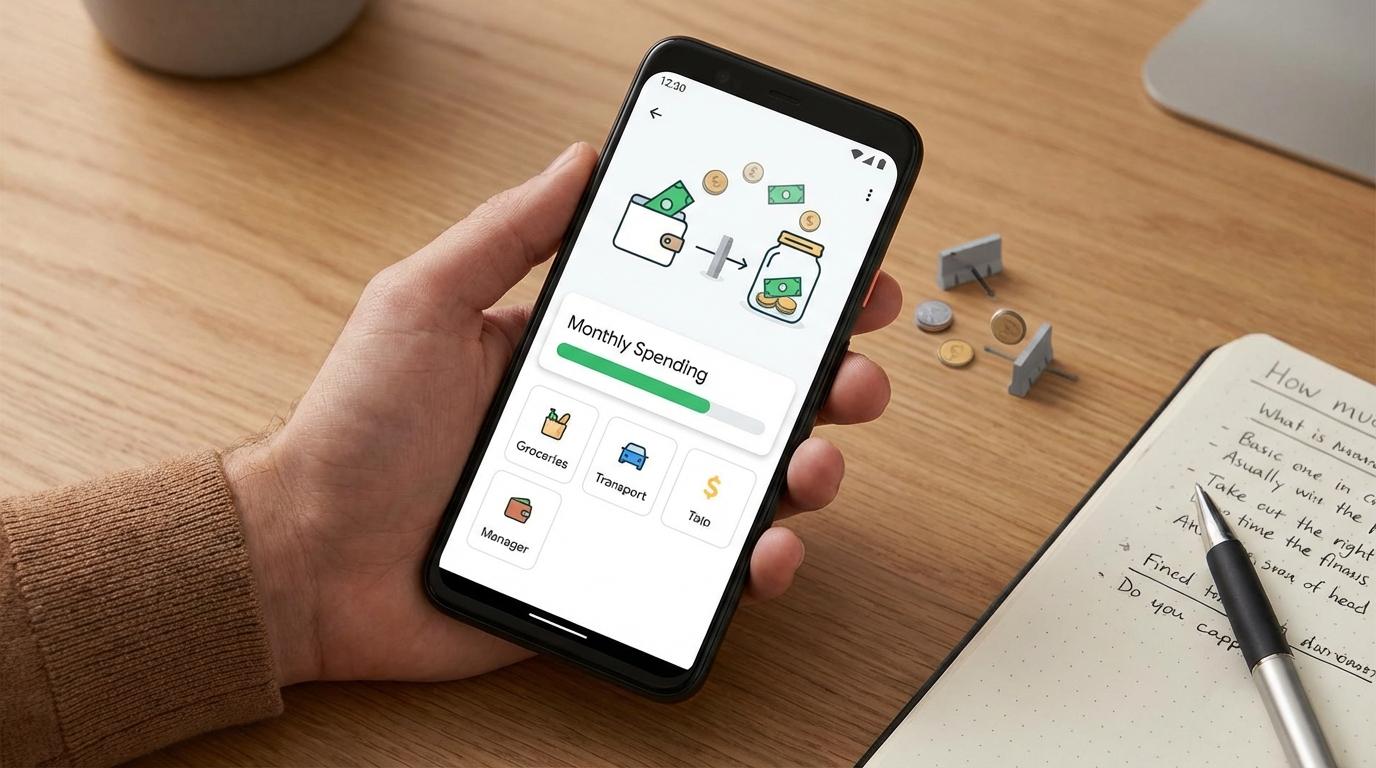
That “fix it once a day for two minutes” plan is your week-one test. By day three, you should be able to answer two questions fast: “How much do I have left for the month?” and “What category is pushing me over?” If you can’t, the app is adding noise—usually too many categories, too many alerts, or sync delays you keep second-guessing.
Good signs: you open it without dreading cleanup, new transactions land where you expect most of the time, and you’ve only adjusted your budget once (not daily). Switch if you’re doing more than 10 minutes of recategorizing a day, your totals feel “wrong” because reimbursements or shared bills don’t fit, or you keep turning off features to make it usable. Pick a simpler setup, not a “smarter” app.