You want better sound now—what you can improve in 5 minutes (and what you can’t)
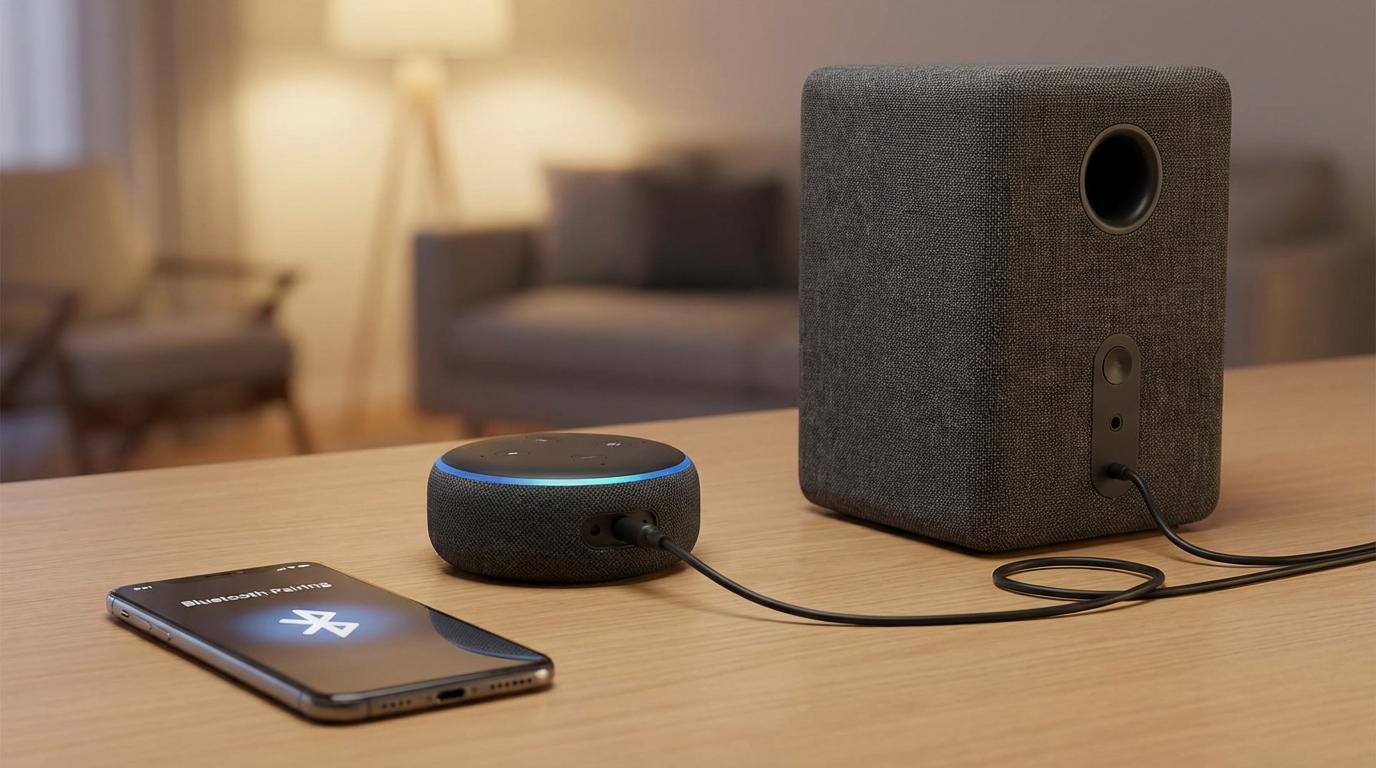
You hear it right away: the Echo gets the job done for voice, but music sounds thin, quiet, or strained once you turn it up. If you already own a powered speaker, soundbar, or stereo with its own volume control, you can usually fix that in about five minutes by sending the Echo’s audio to the bigger speaker. What you can’t fix fast is the Echo’s processing choices (like how it balances voice vs music) or Bluetooth delay if you’re watching video.
The only real decision is how you’ll connect: Bluetooth for convenience, or a cable for the most consistent sound. The catch is simple but common—people try to plug an Echo into a passive speaker with no amp, or they grab a cable that doesn’t match the Echo model. Start by confirming what kind of “speaker” you have and what inputs it actually offers.
Quick check: is your “speaker” powered, and what inputs does it actually have?
That “confirm what you have” step usually means looking behind the speaker and finding two things: its power and its input labels. If your speaker, soundbar, or stereo plugs into the wall (or has its own power cord) and has a volume knob or remote, it’s powered and the Echo can feed it directly. If you only see bare spring clips or binding posts labeled +/– (often “Left/Right”), that’s a passive speaker and you’ll need an amp or receiver in between.
Next, spot the inputs you can actually use: Bluetooth, a 3.5 mm AUX input, or RCA inputs (red/white). Many soundbars also have optical or HDMI only—those won’t take an Echo’s audio without an extra converter, which is a common “why doesn’t this work?” moment.
Once you know your inputs, the Bluetooth vs cable choice gets obvious.
Bluetooth or the 3.5 mm audio jack—what will feel better in your room?
That “obvious” choice usually shows up as a real-life trade: do you want the speaker to connect automatically every time, or do you want the freedom to place it anywhere without a wire in the way?
Bluetooth feels best when the speaker lives across the room, you move it around, or you just hate cable clutter. For music, podcasts, and radio it’s usually fine. The friction is reliability: if the speaker also pairs with your phone or TV, it can steal the connection, and you’ll end up in the “why won’t it play?” loop. Bluetooth can also add a small delay, which is noticeable if you’re watching video on an Echo Show or trying to keep TV audio in sync.
The 3.5 mm audio jack feels best when you want it to work every day with no pairing drama. Wired is also the safer pick if you’re sensitive to delay or you keep volume low at night—levels tend to behave more predictably. The trade-off is physical: you’re committing to where the Echo and speaker sit, and you’ll need the right cable (or adapter) to match your inputs.
If you’re going wired: the one cable you need (and the adapters people forget)
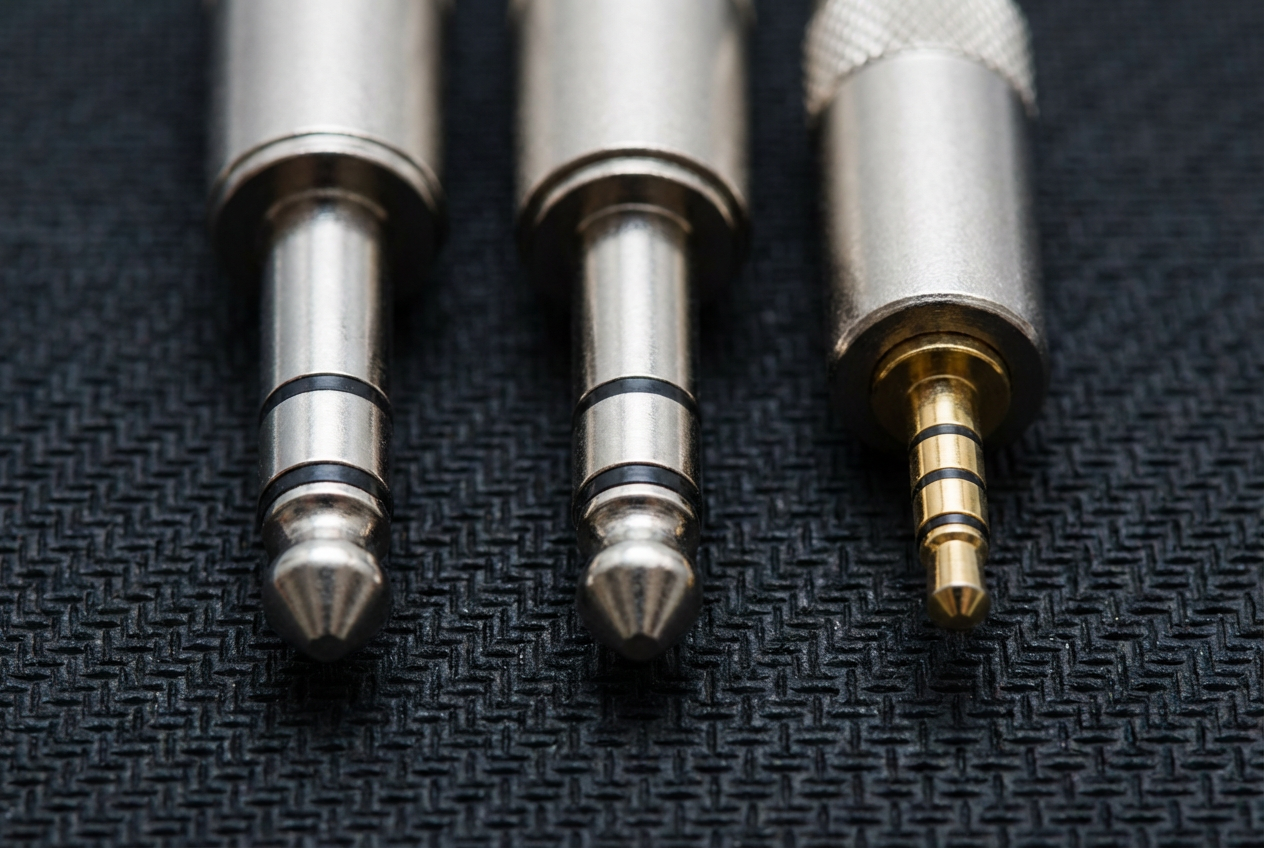
That “right cable” part is where wired setups usually stall: the Echo has a 3.5 mm audio out, but your speaker might not. If your powered speaker or soundbar has a 3.5 mm AUX input, you just need a simple 3.5 mm male-to-male stereo cable. Keep it short enough that you’re not coiling extra wire behind the speaker, but long enough that it doesn’t tug on the Echo—loose plugs are a real source of crackle and random dropouts.
If your speaker only has RCA inputs (red/white), use a 3.5 mm-to-RCA cable. Don’t grab a “Y” splitter that turns one 3.5 mm into two 3.5 mm jacks—that won’t help here. If your speaker has a 1/4-inch input (common on studio monitors), the forgotten adapter is 3.5 mm to 1/4-inch, and you’ll want a stereo (TRS) one, not a mono (TS) plug, or you may lose a channel.
Once the cable physically fits both ends, the rest is just making the Echo actually send audio to it.
Wired setup, done: connect it once and make sure audio is really coming from the external speaker
Once the cable physically fits both ends, the usual hiccup is thinking it’s connected… while the Echo is still playing through its own tiny speaker. Plug the 3.5 mm end firmly into the Echo (you should feel it seat), then plug the other end into the speaker’s AUX/LINE IN. Set the speaker to the right input—this is where soundbars and receivers get you, because “TV” or “Optical” won’t play an Echo on the analog jack.
Now do a quick proof test: say, “Alexa, volume five,” then “Alexa, play music.” Turn the external speaker up to a comfortable level, then leave it there and use the Echo for day-to-day volume. If the Echo still sounds thin, mute the external speaker for a second or lower the Echo’s volume to 1—if audio doesn’t change, you’re on the wrong input or the plug isn’t fully seated.
If you want the least fuss later, wired nails it; Bluetooth just needs a clean pairing.
Prefer Bluetooth? Pair it cleanly and avoid the most common re-pair loop
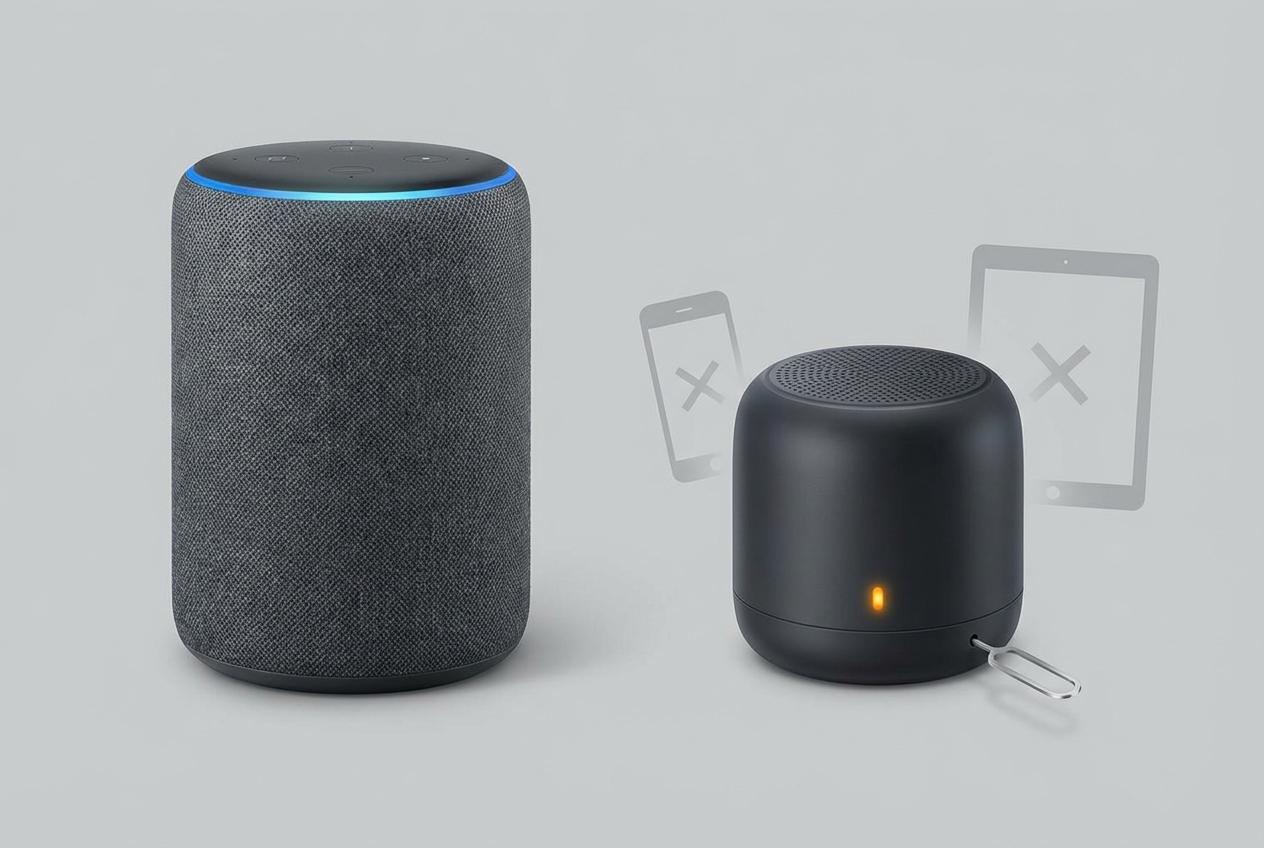
That “clean pairing” part usually breaks when the speaker remembers three devices and grabs the wrong one. Start with a reset: on the speaker, clear its Bluetooth pairing list if it has that option. Then, in the Alexa app, go to Devices > your Echo > Bluetooth Devices and remove the speaker if it’s listed. Now put the speaker in pairing mode and say, “Alexa, pair,” or tap Pair a New Device in the app.
Once it connects, do a quick lock-in test: start music, then turn Bluetooth off on your phone for a minute. If audio drops, your speaker is prioritizing the phone. Fix it by “forgetting” the speaker on the phone (or turning off the phone’s Bluetooth at home) so the Echo wins.
Finally, set expectations: Bluetooth can play a bit quieter than wired, so adjust the speaker’s volume once, then use the Echo day to day.
Make it dependable day to day (and fix the usual “why does it sound off?” issues)
That “adjust it once, then use the Echo day to day” only works if you stop the two-volume fight. Pick a “home base” volume on the external speaker (or receiver), then control loudness with the Echo. If it keeps sounding too quiet or suddenly loud, check for volume leveling or night mode on the speaker/soundbar—those settings often turn themselves on and squash music.
If audio seems delayed, you’re almost always on Bluetooth; switch to the 3.5 mm cable for Echo Show video or TV-like listening. If it sounds thin, confirm you’re on the speaker’s AUX/LINE input (not “TV/Optical”), and reseat the 3.5 mm plug until it clicks in.
When it acts “possessed,” it’s usually stealing the connection: make your phone forget the speaker or keep phone Bluetooth off at home.